
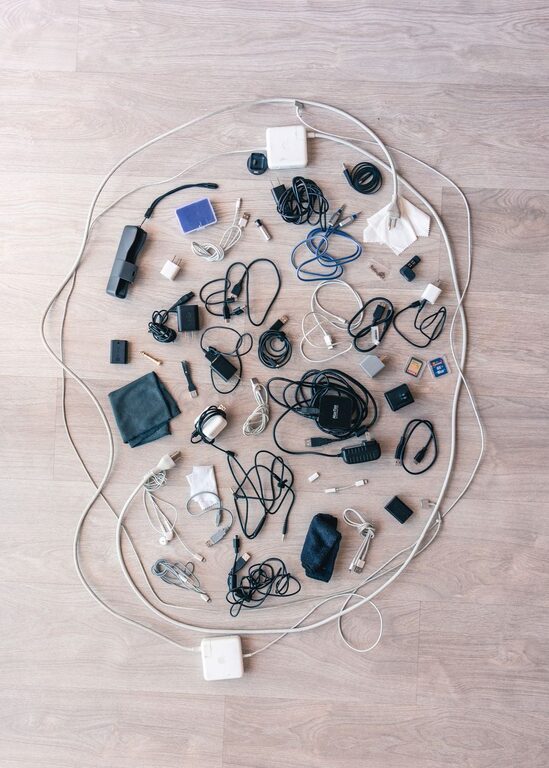
Keeping cables and chargers organized is a challenge many people face, especially with the growing number of devices we use daily. Tangled wires, misplaced chargers, and cluttered desks can make it frustrating to find what you need quickly. Fortunately, with a few simple strategies and tools, you can keep your cables neat and accessible. This guide will walk you through practical ways to organize cables and chargers for a clutter-free space.
Why Organizing Cables Matters
Organizing your cables and chargers not only improves the look of your space but also offers several benefits:
– Saves time: No more untangling or searching for the right charger.
– Prevents damage: Proper storage reduces wear and tear on cables.
– Enhances safety: Avoids tripping hazards and electrical issues.
– Boosts productivity: A tidy workspace helps you focus better.
Now, let’s explore the best methods to keep everything in order.
Assess Your Cable and Charger Collection
Before organizing, take stock of what you have:
- **Gather all cables and chargers** from different rooms, bags, and drawers.
- **Sort by type:** USB cables, HDMI cables, power cords, phone chargers, etc.
- **Check condition:** Discard or recycle any damaged or obsolete cables.
- **Identify frequently used items** versus those used occasionally.
This step ensures you only organize what you truly need.
Tools and Supplies for Organizing Cables
Several affordable tools can make managing cables easier:
– Cable ties or velcro straps: To bundle cables neatly.
– Cable clips or holders: Attach to desks or walls to keep cables in place.
– Cable boxes or organizers: Hide power strips and excess cord length.
– Labeling tags or stickers: To identify cables at a glance.
– Drawer dividers or small containers: For chargers and adapters.
– Charging stations: Centralized spots for multiple devices.
Having these items ready will streamline your organization process.
Step-by-Step Cable and Charger Organization
1. Detangle and Group Cables
Begin by detangling every cable, then group similar ones together. Use velcro straps or reusable cable ties to keep them coiled neatly without tight knots. Avoid bending cables sharply, which can cause damage.
2. Label Each Cable
Labeling your cables prevents confusion later. Use small tags or stickers indicating the device each cable belongs to (e.g., “Phone Charger,” “Laptop USB-C”). Label both ends if possible, especially for cables you use in shared spaces.
3. Store Chargers and Adapters Together
Place chargers and adapters in a dedicated container or drawer, ideally separated by type or device. Drawer dividers or small boxes can help keep them separated and easy to find.
4. Use a Cable Management Box for Power Strips
Power strips often have multiple plugs and excess cord length. A cable management box hides these cords and safely contains plugs, reducing clutter and preventing dust buildup.
5. Set Up a Charging Station
Create a designated charging area where all devices can be plugged in at once. Use a multi-port USB charger or charging dock to minimize multiple cables lying around. This station can be on your desk, nightstand, or any convenient spot.
6. Employ Cable Clips and Holders
Attach cable clips to the edge of your desk or nearby walls to keep cables from falling or sliding away. These clips keep charging cables accessible without cluttering surfaces.
7. Regularly Maintain Your Setup
Decluttering is not a one-time task. Every few months, review your cables and chargers to discard unused items and re-organize as needed. This routine keeps your system efficient and neat.
Additional Tips for Cable Management
– Coil cables correctly: Use the over-under method to prevent twisting.
– Avoid excess length: Shorten long cables with cable ties or use custom-length cables.
– Use color coding: Differentiate cables by color to identify them easily.
– Keep frequently used cables handy: Store them in easy-to-reach spots.
– Use wireless charging when possible: Reduces cable clutter.
Organizing Cables in Different Spaces
Office or Workspace
– Use under-desk trays or cable raceways to hide cables.
– Mount power strips under the desk.
– Use desk grommets for cables passing through surfaces.
Living Room or Entertainment Center
– Bundle TV, gaming, and sound system cables using cable sleeves.
– Label cables to quickly identify which device they belong to.
– Use adhesive cable clips on backing boards behind furniture.
Travel and On-the-Go
– Use travel cable organizers or pouches with compartments.
– Keep only essential cables and chargers when packing to avoid bulk.
Final Thoughts
Organizing cables and chargers is a manageable task with lasting benefits. By sorting, labeling, and using smart storage solutions, you can maintain a tidy environment that makes your tech easier to use and your space more enjoyable. Start small, and soon your cables will be neatly arranged and hassle-free. Happy organizing!
About the Author